Spring Digital Paper Patterns
Spring digital paper patterns bring fresh, seasonal energy to creative projects—without the clutter of physical supplies or the limitations of low-resolution downloads. These aren’t generic clipart packs or watermarked stock textures. They’re thoughtfully designed, high-fidelity digital papers built for real-world use: crisp enough for print, flexible enough for digital editing, and versatile enough to support both professional deliverables and heartfelt handmade moments.
What You Actually Get—and Why It Matters
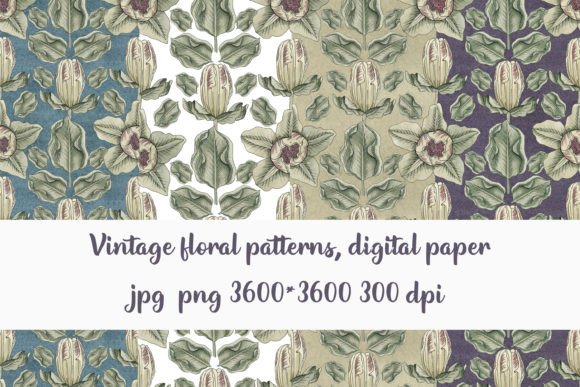
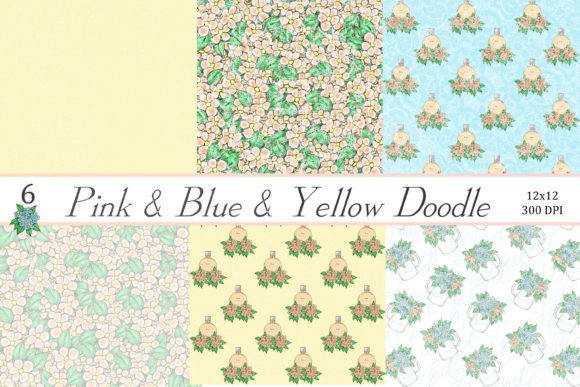
You’ll receive a single Word document containing a secure download link to a ZIP file with six unique JPG files—each sized at 3600 × 3600 pixels and saved at 300 dpi. That resolution isn’t arbitrary. It means you can confidently scale any pattern up to an 12×12 inch printed scrapbook page, crop a section for a 2-inch label sticker without pixelation, or tile it seamlessly across a full PowerPoint slide background—all while preserving clean edges and consistent color fidelity.
Unlike vector-based pattern swatches or repeating tiles that require technical setup in design software, these are ready-to-place raster files. No clipping masks needed. No tiling adjustments. Just open, drag, and use—whether you’re working in Canva, Adobe Photoshop, Microsoft Word, Google Slides, or even beginner-friendly tools like PicMonkey or Cricut Design Space.
Real Projects, Real Time Savings
Consider a small business owner preparing Easter-themed product labels. Instead of commissioning custom artwork or spending hours adjusting free patterns to match brand colors, they drop one of these spring digital paper patterns behind their logo, adjust opacity for subtle texture, and export a print-ready PDF in under five minutes. The same file works equally well as a background for a printable “Thank You” card included with each order—or scaled down as a watermark on a social media post.
For educators, these patterns simplify classroom prep without sacrificing visual appeal. A third-grade teacher creating spring-themed vocabulary worksheets doesn’t need to hunt across five websites for matching borders, icons, and backgrounds. One pattern serves as the base for the worksheet header; another becomes the decorative frame around a reading comprehension passage; a third is resized to fill a corner as a gentle visual anchor. Consistency emerges naturally—not from rigid templates, but from cohesive, coordinated design elements.
Creative Flexibility Without Compromise
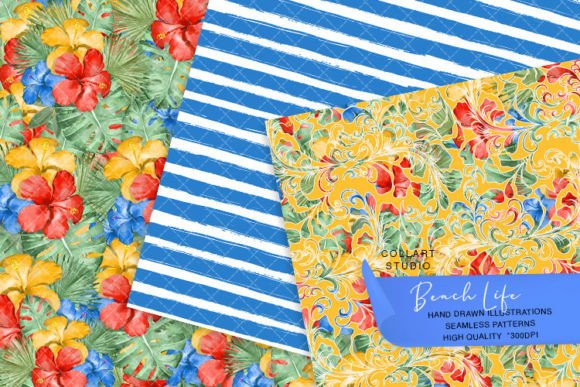
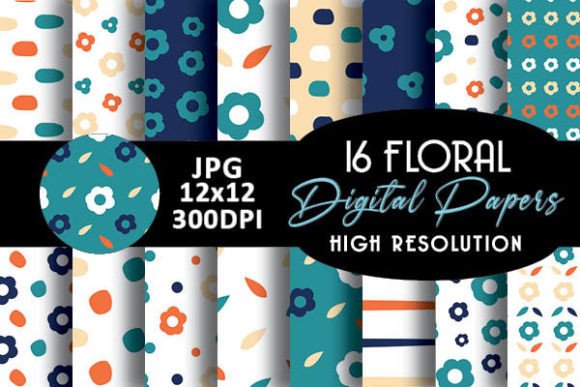
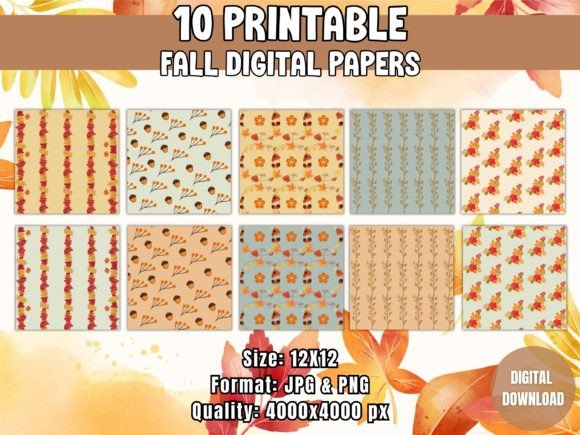
The six included patterns vary intentionally in motif and density: think soft watercolor florals, delicate line-drawn botanicals, subtle geometric repeats with pastel accents, textured linen-look overlays, cheerful polka dots with organic variation, and minimalist leaf motifs arranged asymmetrically. This range supports distinct moods and functions—without forcing users into narrow stylistic boxes.
A wedding planner designing save-the-date cards might layer a light floral pattern beneath hand-lettered text for depth, then use a bolder dot pattern as a border accent on the back. Meanwhile, a freelance graphic designer building a client’s spring product launch deck selects the linen-textured option for slide backgrounds—adding sophistication without competing with data charts or headlines.
Who Benefits Most—and How They Use Them
- Hobbyists and cardmakers appreciate how easily these patterns integrate into layered paper crafts—especially when cutting with die-cutting machines. The 300 dpi resolution ensures clean cuts and precise alignment, even on intricate designs.
- Small business owners use them to maintain visual consistency across packaging, digital ads, and in-store signage—without recurring subscription fees or licensing restrictions.
- Educators and homeschoolers rely on them to create engaging, on-brand worksheets and bulletin board displays that feel intentional—not clipart-heavy or visually overwhelming.
- Bloggers and content creators apply them as subtle backgrounds for quote graphics or Pinterest pins, adding warmth and seasonality without distracting from the message.
- Event planners and party hosts build printable banners, cupcake toppers, and place cards in minutes—scaling the same pattern across multiple formats while keeping proportions accurate.
A Note on Practical Fit
These spring digital paper patterns excel where clarity, cohesion, and ease-of-use matter most—but they’re not meant to replace fully customizable design systems. If your workflow requires editable vectors, CMYK-separated printing plates, or multi-layer PSD files with individual element control, you’ll want to explore additional resources. Likewise, while the six patterns offer thoughtful variety, users building large-scale branding systems may wish to supplement with coordinating fonts, icons, or photo overlays for broader coverage.
They also assume basic familiarity with file handling—like extracting ZIP archives or placing images into design software. That said, no advanced skills are required. Anyone comfortable inserting a photo into a Word document or uploading a background to Canva can begin using them immediately.
From Concept to Completion—Faster
One of the quiet advantages of high-resolution, pre-sized digital papers is how they reduce decision fatigue. When you’re designing a set of Mother’s Day gift tags, you’re not choosing between 47 similar-looking options on a stock site—you’re selecting from six harmonized, purpose-built patterns that already share tone, palette, and seasonal relevance. That alignment speeds up choices, minimizes revision cycles, and helps keep output feeling unified—even when multiple people contribute to a project.
And because they’re delivered as JPGs—not proprietary formats or locked assets—you retain full usage rights for personal and commercial projects (with standard attribution not required). No monthly fees. No logins. No surprise updates or removed files. Just a stable, downloadable resource you own and control.
Where These Patterns Shine Brightest
Think beyond “just paper.” These spring digital paper patterns function as foundational layers—not afterthoughts. They elevate a plain worksheet into something students look forward to completing. They turn a DIY birthday banner from “cute” to “cohesive.” They give a classroom poster visual breathing room instead of visual noise. And in digital spaces—like virtual lesson slides or email newsletters—they add tactile warmth that flat color blocks often lack.
Even in unexpected places, they prove useful: a therapist printing spring-themed mood trackers, a nonprofit designing Earth Day awareness posters, a writer formatting a seasonal eBook cover, or a marketer refreshing Q2 social templates. Their strength lies not in doing everything, but in doing common tasks exceptionally well—consistently, quietly, and without friction.
Getting Started Is Simple
After downloading the ZIP file, extract the six JPGs to a dedicated folder. Open your preferred design tool, insert one image as a background or layer, and adjust scale or blending mode as needed. Try overlaying text with a slight drop shadow for readability, or reducing opacity to 15–20% for a whisper-thin texture effect. Save your work, export, and go—no tutorials, no plugins, no waiting.
Because they’re built for adaptability—not rigid templates—you’re never locked into someone else’s layout. You decide how much or how little of the pattern shows. You choose whether it anchors a composition or recedes into atmosphere. That kind of quiet control is what makes spring digital paper patterns more than decoration: they’re practical tools for thoughtful making.