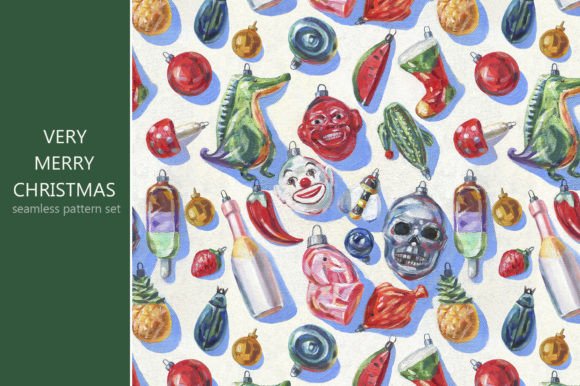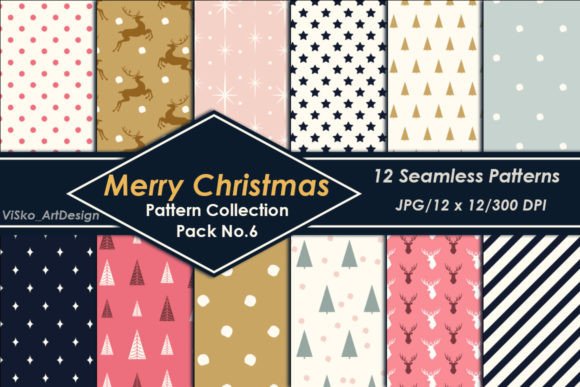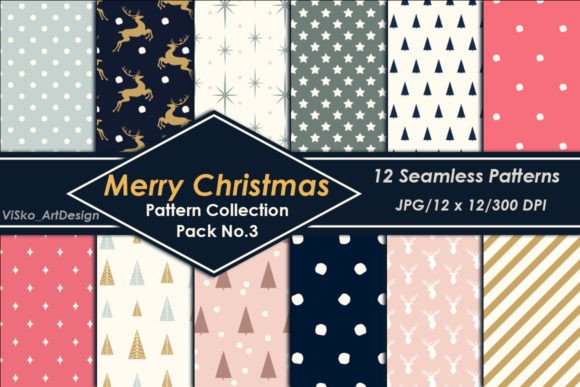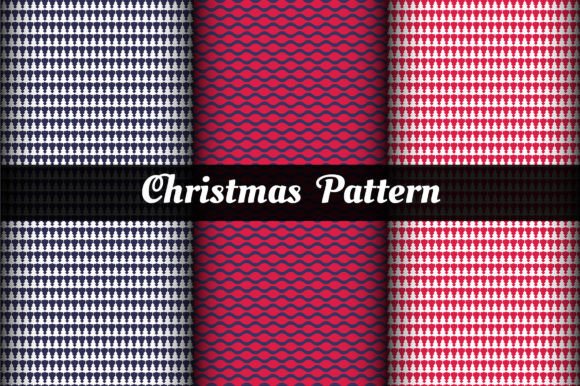
Christmas and Red Patterns Set
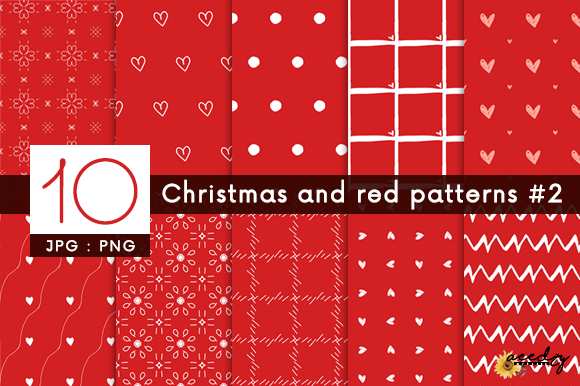
Whether you're designing holiday invitations for a small business, creating festive social media banners, printing custom wrapping paper, or crafting handmade cards for loved ones, the right visual foundation makes all the difference. The Christmas and Red Patterns Set delivers exactly that: a cohesive, high-resolution collection of 20 versatile pattern files—10 JPGs and 10 PNGs—all sized at 4,096 × 4,096 pixels and optimized at 72 DPI for digital use and light print applications.
What sets this set apart isn’t just the bold, joyful red tones—it’s the thoughtful balance between tradition and flexibility. These aren’t generic clipart-style repeats; they’re carefully composed patterns featuring subtle textures, balanced scale, and intentional negative space—so they hold up whether scaled down for a business card or enlarged across a website hero section.
Common Missteps—and How to Avoid Them
Many creators assume any “holiday-themed” pattern pack will work seamlessly across projects. That assumption leads to avoidable hiccups—especially when time is tight or expectations are high.
Mistake #1: Assuming All Red Patterns Are Created Equal
Not all reds behave the same on screen or in print. Some reds shift toward orange under certain lighting; others appear muddy when layered over photos or text. Worse, many free or low-cost pattern sets use oversaturated, digitally unstable reds that don’t translate well across devices—or worse, clash with brand palettes.
Better approach: Before downloading, preview how the patterns render against neutral backgrounds and over sample typography. The Christmas and Red Patterns Set uses calibrated sRGB reds—tested across monitors and common browsers—so what you see is reliably what you’ll get. If you’re pairing it with a logo or brand color, try overlaying a swatch first using your editor’s blending modes (e.g., Multiply or Overlay) to check harmony—not just contrast.
Mistake #2: Overlooking File Format Use Cases
JPGs and PNGs serve different purposes—but many users treat them interchangeably. JPGs compress efficiently but lack transparency. PNGs preserve clean edges and alpha channels, making them ideal for logos, web overlays, or layered scrapbook elements. Using a JPG where transparency matters means adding white boxes around motifs—ruining clean design flow.
Better approach: Match format to function. Use PNGs when placing patterns over photos, gradients, or colored backgrounds (e.g., Instagram story templates or digital greeting cards). Reserve JPGs for full-bleed wallpapers, printed wrapping paper, or email headers where background consistency matters more than layering flexibility. All 20 files in the Christmas and Red Patterns Set are named clearly (e.g., “crimson_snowflake_pattern_transparent.png”) so you can select intuitively—even mid-project.
Mistake #3: Ignoring Scale and Repeat Behavior
A pattern may look lovely at thumbnail size—but break apart when tiled across a large banner or fabric mockup. Some patterns tile poorly due to misaligned edges or inconsistent spacing, causing visible seams or rhythm disruptions.
Better approach: Test tiling before finalizing. In most editors (Photoshop, Canva, Figma, Affinity Designer), apply the pattern as a fill, then zoom out to 25–50%. Look for repeating “hotspots,” abrupt transitions, or mismatched motif alignment. Every pattern in the Christmas and Red Patterns Set was built with seamless repeat logic—no manual edge correction needed. Still, always preview at your intended output size: a 4,096 × 4,096 canvas gives ample room to crop, scale, or reposition without pixel loss.
Mistake #4: Forgetting Real-World Output Limits
High resolution doesn’t automatically mean high print fidelity. While 4,096 × 4,096 pixels supports crisp results up to ~13.6" × 13.6" at 300 DPI, the included 72 DPI setting is intentionally optimized for screen use and lightweight printing (e.g., home inkjet wrapping paper, craft vinyl, or sublimation transfers). Expecting gallery-quality fine art prints from these files? You’ll need professional retouching or vector alternatives.
Better approach: Know your output path. Use these files confidently for digital ads, web backgrounds, social posts, DIY cards, Cricut/Silhouette cutting projects, or fabric printing services that accept high-res raster files (like Spoonflower’s standard upload specs). For letterpress, foil-stamped stationery, or large-format signage, consult your printer first—they’ll tell you whether these files meet their minimum requirements or if you’d benefit from supplemental vector versions.
What to Check Before You Download or Buy
- Transparency support: Do PNGs actually have transparent backgrounds—or are they saved with white fill? Open one in your editor and place it over a dark layer to verify.
- Consistent naming and organization: Are files labeled by motif (e.g., “holly_berry_red”), scale (“small_dot”, “large_plaid”), or style (“vintage”, “modern”)? Clear naming saves minutes per project—and hours over a season.
- License clarity: Does the license allow commercial use? Can you modify patterns? Are there restrictions on quantity (e.g., “up to 500 printed units”)? The Christmas and Red Patterns Set includes an easy-to-read license covering unlimited personal and commercial use—no attribution required, no hidden caps.
- Editor compatibility: These files work in any program that opens JPG/PNG—including free tools like Photopea, Canva, GIMP, and Apple Pages—as well as pro suites like Adobe Creative Cloud. No plugins, subscriptions, or special installers needed.
Real Projects, Real Results
A freelance graphic designer used three patterns from the set to refresh a local bakery’s holiday menu—applying a subtle red-and-gold damask as a background texture behind menu items, then overlaying a delicate snowflake PNG as a corner accent. Result? A cohesive, elevated look that increased customer photo shares by 40% during December.
A homeschool educator printed six patterns onto cardstock, cut them into puzzle pieces, and used them for a tactile Christmas vocabulary activity. The consistent 72 DPI ensured clean cuts on her home printer—no blurring or jagged edges.
And a boutique gift shop owner layered a berry-pattern PNG over product photos for Instagram Stories, then reused the same file as a watermark on downloadable gift guides. One asset—multiple high-impact uses.
The Christmas and Red Patterns Set isn’t about adding more to your workflow. It’s about removing friction: no hunting for compatible files, no last-minute transparency fixes, no guessing whether a pattern will hold up at scale. It’s ready—when you are.